Mapping gives users the ability to create thematics to trend data patterns across locations, and highlight instances of breaches. Areas can be created to display permit boundaries, restoration areas or borefields. Users can then associate data to these areas for review and updates. All mapping can be added to your dashboard and shared with other users. Breaches and thematics will update as data is imported.
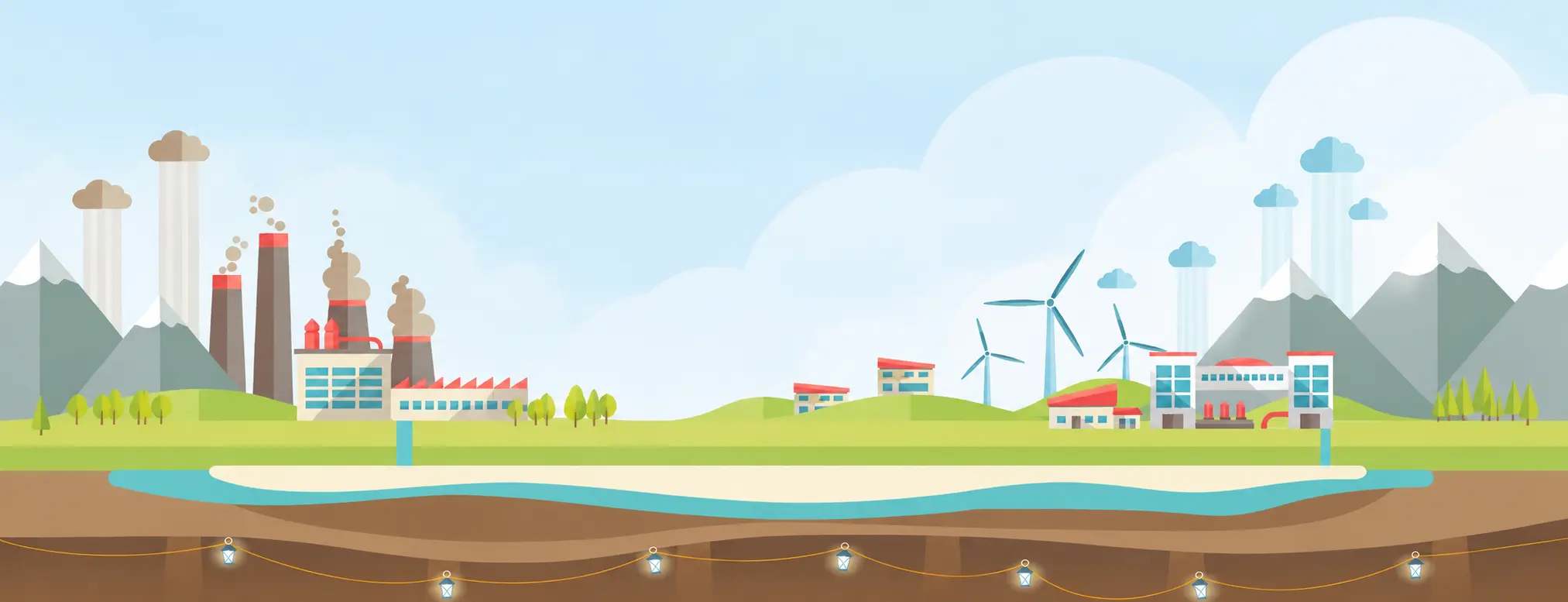
Mapping in MonitorPro
Powerful Mapping You Don't Need to Be an Expert to Use
Mapping within MonitorPro enables any user to quickly output high-quality imagery with little to no training. Mapping in MonitorPro includes free subscriptions to HERE and Sentinel mapping without limitation.
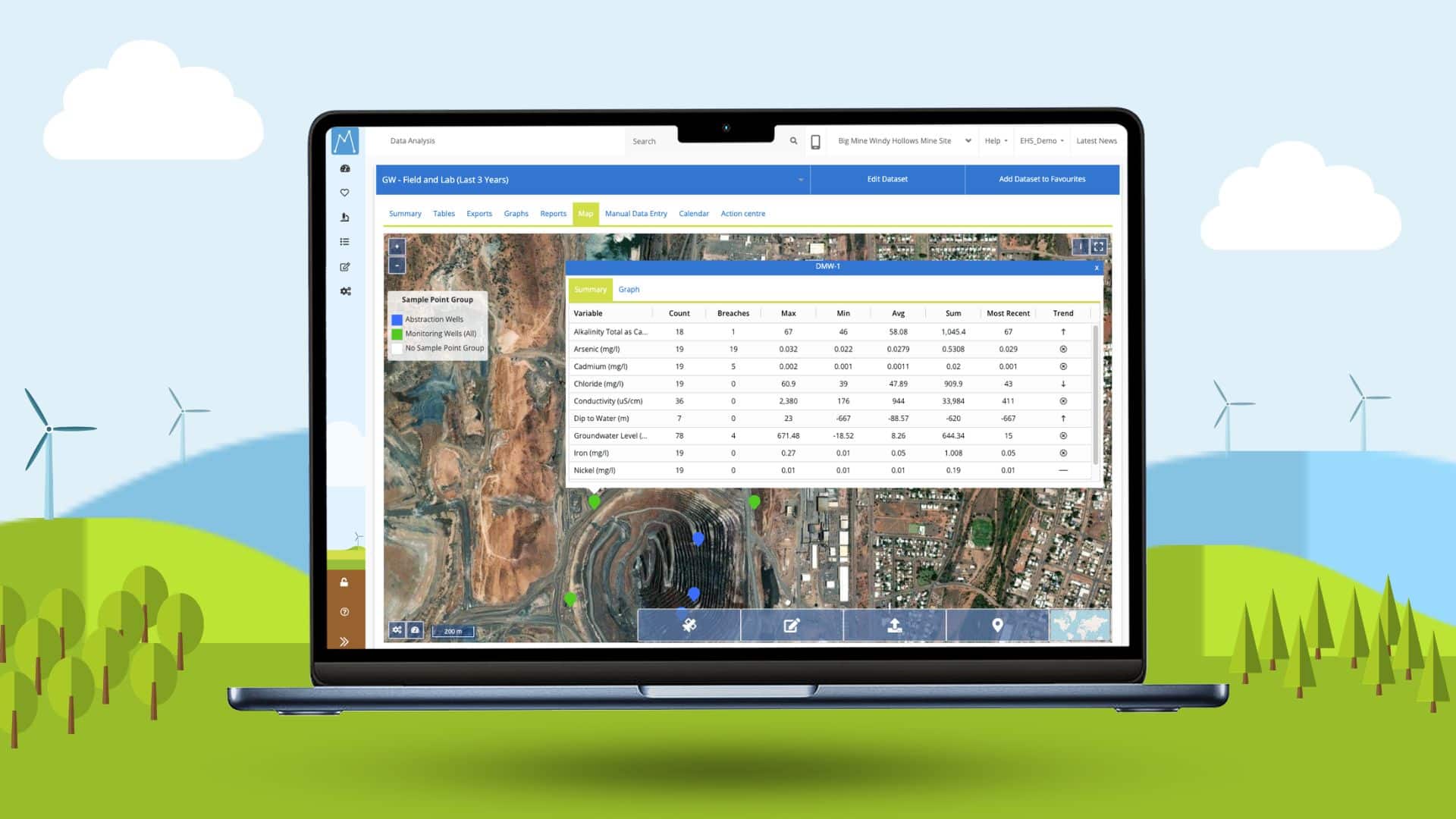

Display and see where breaches are occurring.
Thematics option enables you to view the concentration of a particular variable in comparison to the Sample Points within the chosen dataset.

Clicking on any Sample Point displays a summary table of data, including the number of readings, any breaches, the min, max, average, the last reading, and a trend summary.
Users can plot the data within the Dataset from the map by clicking on the Graph tab.

Up-to-date satellite imagery from HERE and Sentinel and various indices, including Vegetation Index and Water Index.
”Several of our former employees have stated that they really miss using MonitorPro as they now realise how it made their life easier. They wish that their new employee would make that investment!
Environmental CoordinatorAustralian Mining Client
Simplify Your Environmental Data Management
Want to Find Out More?
Interested in finding out more about our mapping features in MonitorPro? Contact us at enquiries@ehsdata.com. Want to know how MonitorPro could help your business? check out our benefits of MonitorPro page.

Back to More Features of MonitorPro
MonitorPro Key Facts
200
+
Mining clients worldwide
3000
+
Trusted users around the world
25
+
Years research & development
Simplify Your Environmental Data Management
News & Information Hub
Discover MonitorPro’s Advantages Over Other EDMS
Dedicated software can help companies manage it's environmental regulation and reporting responsibilities. However, they are often designed for specific use cases, built from different starting points, workflows, or with a…
Read More

